🔧 Need a hand with your tech? Give us a bell: 📞 0474 635 482  ·  Flick us an email: help@errorfix4u.com  ·  ● Also available after hours, weekends & public holidays

MacBook & iMac Hardware Upgrade in Adelaide

Boost your Mac's speed and storage — SSD upgrades for MacBook, and RAM plus SSD upgrades for compatible iMac models. Full data migration included.
Apple SSD RAM Upgrade
MacBook SSD UpgradeiMac RAM & SSDFull Data MigrationAll Mac Models
⬆️

MacBook & iMac Hardware Upgrade

  • Apple-certified Mac technicians
  • MacBook & iMac all models
  • Transparent pricing, no hidden fees
  • 90-days Warranty* on all work
  • 7 days a week availability
📅 Book This Service

What's Included in This Service

Here's exactly what our technicians do when you book a MacBook & iMac Hardware Upgrade with ErrorFix4U.

01

Storage Assessment

We analyse your Mac's current storage and RAM, identify bottlenecks, and recommend the right upgrade for your usage and budget.

02

Compatible Parts Sourcing

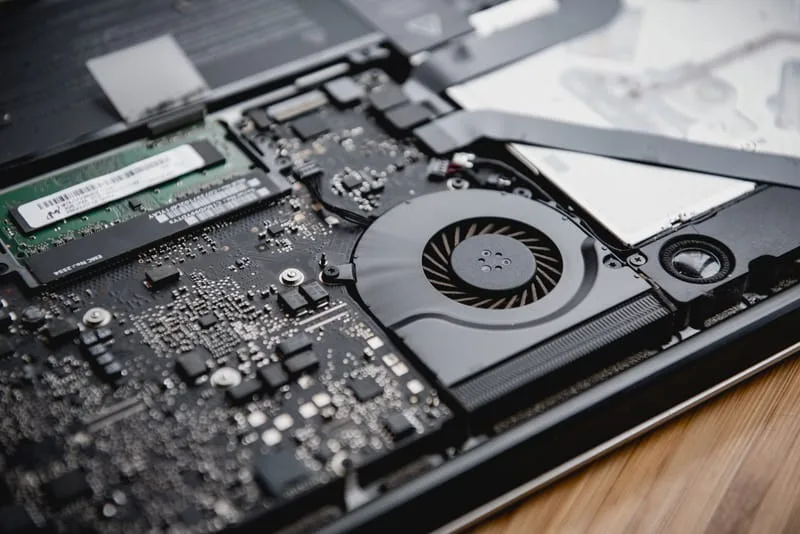
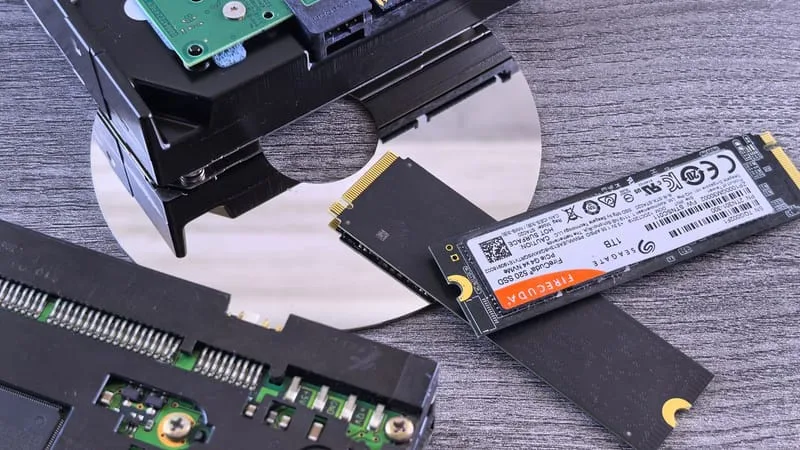
We source compatible, high-performance SSDs and RAM modules matched to your specific Mac model for maximum stability and speed.

03

Full Data Backup

Before installing anything, we back up all your data to ensure nothing is lost during the upgrade process.

04

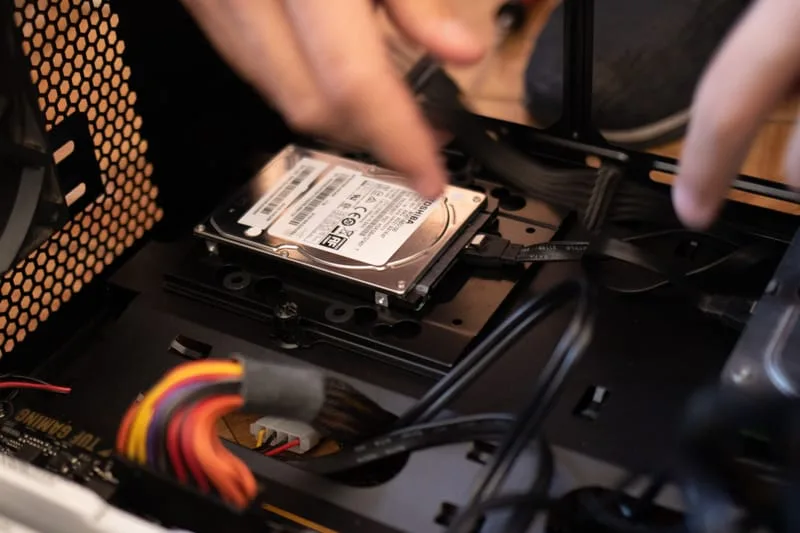
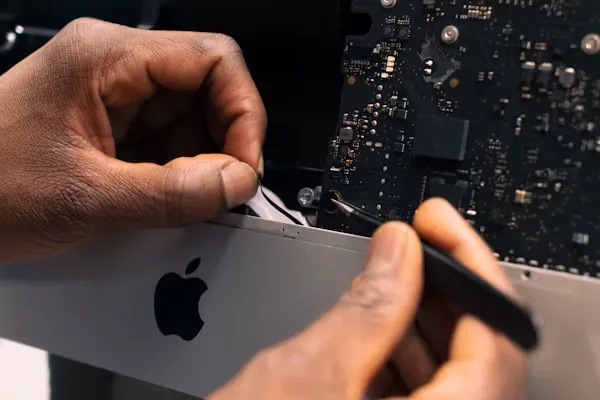
Drive & RAM Installation

The new SSD or RAM is carefully installed following Apple-approved procedures to ensure a perfect fit and safe installation.

05

Data Migration

All your files, apps, user settings, and macOS are migrated to the new drive so everything works exactly as before — just faster.

06

Performance Verification

We benchmark your Mac before and after the upgrade so you can see the real-world speed improvement firsthand.

Mac Hardware Upgrade in Adelaide - photo 1
Mac Hardware Upgrade in Adelaide - photo 2
Mac Hardware Upgrade in Adelaide - photo 3
Mac Hardware Upgrade in Adelaide - photo 4
Mac Hardware Upgrade in Adelaide - photo 5
Mac Hardware Upgrade in Adelaide - photo 1
Mac Hardware Upgrade in Adelaide - photo 2
Mac Hardware Upgrade in Adelaide - photo 3
Mac Hardware Upgrade in Adelaide - photo 4
Mac Hardware Upgrade in Adelaide - photo 5

Signs Your Mac Needs an Upgrade

Mac takes ages to start up
Spinning beach ball constantly appearing
Running out of storage space regularly
Apps taking too long to open
Mac feels sluggish compared to when it was new
iMac with only 8GB RAM struggling with multiple apps
Needing more storage for photos, videos, or work files
Wanting a faster Mac without buying a new one

Frequently Asked Questions

Everything you need to know about our MacBook & iMac Hardware Upgrade service.

Can you upgrade SSD on all MacBook models?
SSD upgrades are possible on many MacBook models. Some newer Apple Silicon MacBooks have soldered storage. We'll advise on your specific model's upgrade options during our assessment.
Can you upgrade RAM on an iMac?
RAM upgrades are available on compatible iMac models (typically 2019 and older 27-inch iMacs). Newer iMac models have soldered RAM. We'll check your model and advise.
Will I lose my data during the upgrade?
No — we perform a full data backup and migration as part of the upgrade. Your files, apps, and settings are transferred to the new drive intact.
How much faster will my Mac be after an SSD upgrade?
Typically 3–5× faster for everyday tasks like startup, app launch, and file access. It's one of the most impactful upgrades you can make to an older Mac.

Ready to Book Your MacBook & iMac Hardware Upgrade?

Same-day service across Adelaide & South Australia — get a free quote in minutes.

Other Apple Services We Offer

ErrorFix4U covers every Apple Mac need. Explore our full range of services.

YOU MAY ALSO NEED

Related Services in Adelaide

Mac Repair MacBook Battery Replacement Mac Screen Replacement Slow Mac Tune-Up