🔧 Need a hand with your tech? Give us a bell: 📞 0474 635 482  ·  Flick us an email: help@errorfix4u.com  ·  ● Also available after hours, weekends & public holidays

MacBook & iMac Data Recovery in Adelaide

Lost files on your Mac? We recover data from failed, corrupted, or accidentally deleted MacBook and iMac drives and SSDs.
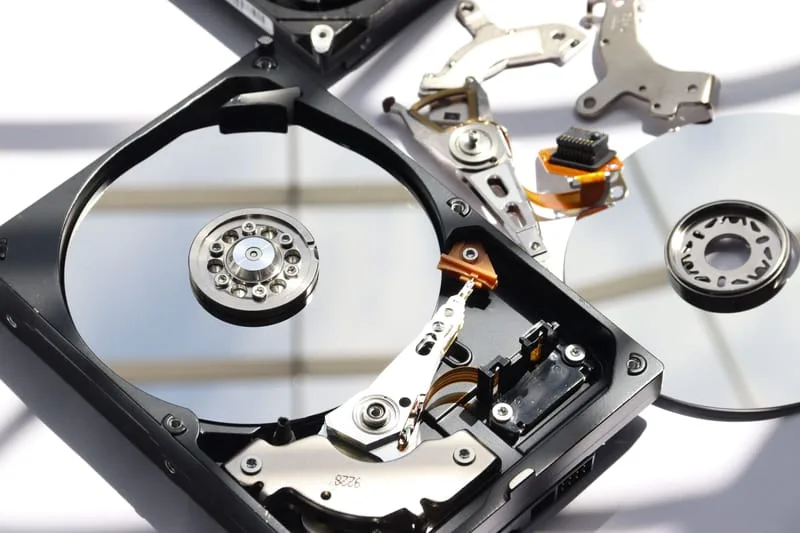
MacBook & iMac Data Recovery
MacBook & iMacSSD & HDD RecoveryAccidental DeletionNo Data No Fee
💾

MacBook & iMac Data Recovery

  • Apple-certified Mac technicians
  • MacBook & iMac all models
  • Transparent pricing, no hidden fees
  • 90-days Warranty* on all work
  • 7 days a week availability
📅 Book This Service

What's Included in This Service

Here's exactly what our technicians do when you book MacBook & iMac Data Recovery with ErrorFix4U.

01

Drive Assessment

We evaluate the condition of your Mac drive or SSD — checking for physical damage, corruption, or logical failure before any recovery attempt.

02

Safe Disk Imaging

A sector-by-sector image of your drive is created to work from safely, protecting your original data throughout the recovery process.

03

Deep File Scan

We run deep scan recovery tools designed for Mac file systems (APFS, HFS+) to locate every recoverable file — even deleted ones.

04

File Recovery & Verification

Recovered files are extracted and verified to confirm they open correctly — photos, documents, emails, and more.

05

Secure Transfer

All recovered data is transferred to a new drive or external storage of your choice, clearly organised and ready to use.

06

Recovery Report

We provide a clear summary of what was recovered, what couldn't be saved, and recommendations to prevent data loss in future.

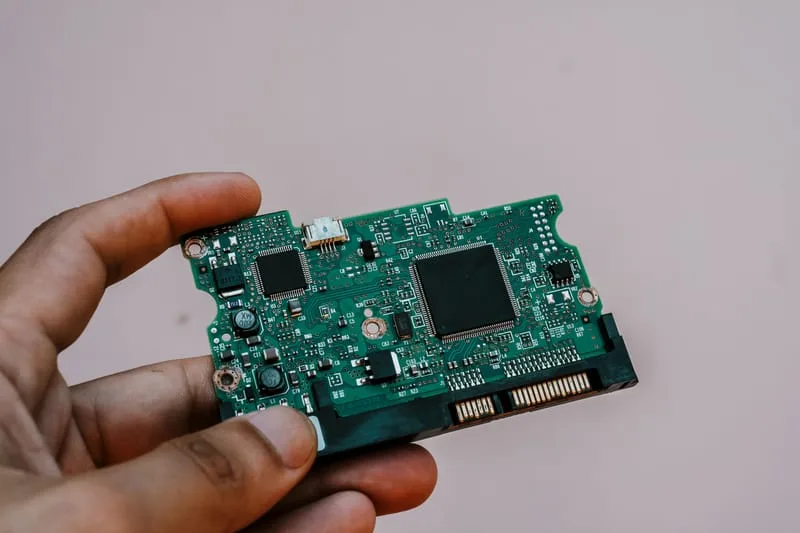
Mac Data Recovery in Adelaide - photo 1
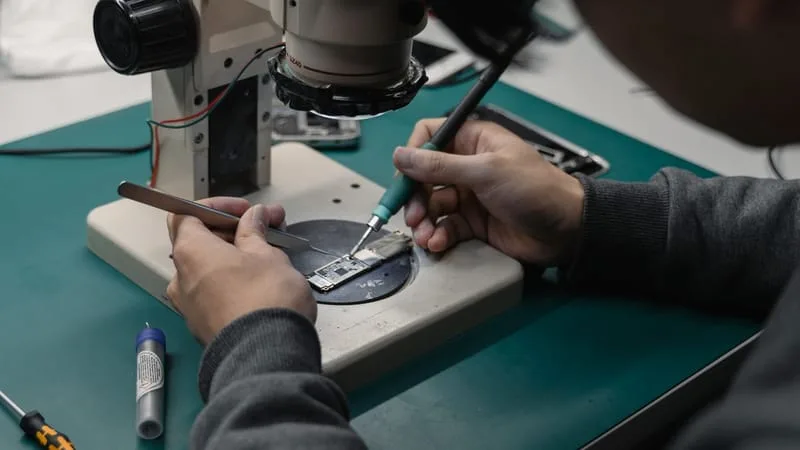
Mac Data Recovery in Adelaide - photo 2
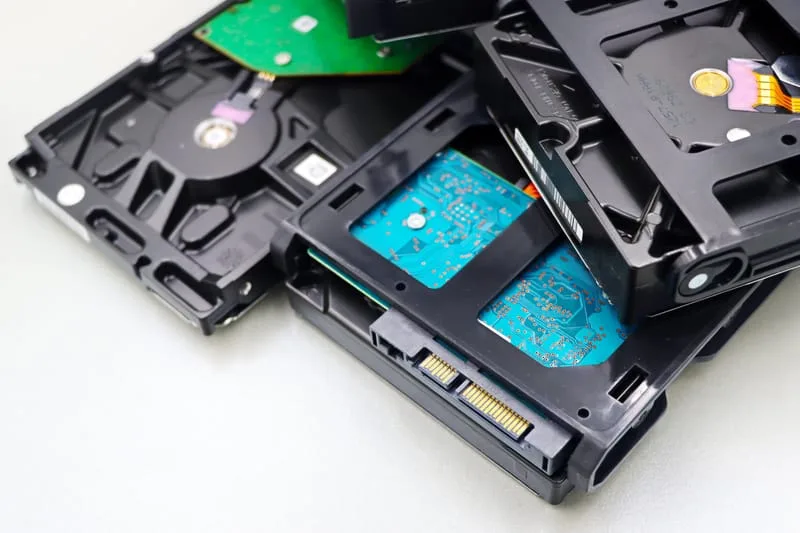
Mac Data Recovery in Adelaide - photo 3
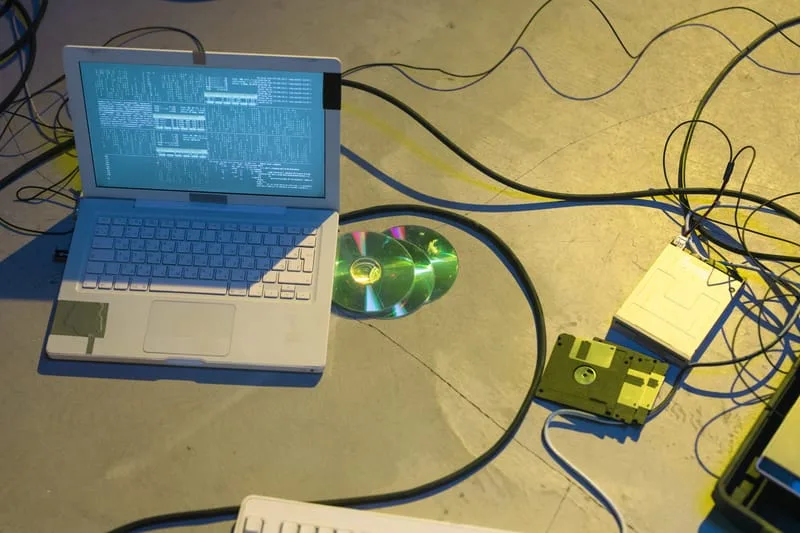
Mac Data Recovery in Adelaide - photo 4
Mac Data Recovery in Adelaide - photo 5
Mac Data Recovery in Adelaide - photo 1
Mac Data Recovery in Adelaide - photo 2
Mac Data Recovery in Adelaide - photo 3
Mac Data Recovery in Adelaide - photo 4
Mac Data Recovery in Adelaide - photo 5

Signs You Need Mac Data Recovery

Accidentally deleted important files or folders
Mac drive not showing up or not mounting
Mac won't start and data is needed urgently
SSD or HDD making clicking or grinding noises
Files corrupted after a power cut or crash
macOS reinstall wiped important data
Time Machine backup failed or got corrupted
Dropped Mac and drive is now unresponsive

Frequently Asked Questions

Everything you need to know about our MacBook & iMac Data Recovery service.

Can you recover data from a Mac that won't turn on?
Often yes — we remove the drive and attempt recovery directly from the storage, bypassing the need for macOS to boot.
Do you recover from SSDs and HDDs?
Yes — we recover data from both solid-state drives (SSDs) common in newer Macs and traditional HDDs found in older iMac models.
Is there a fee if you can't recover my data?
We operate a no-data, no-fee policy on most recoveries. If we can't recover your files, you don't pay for the recovery attempt.
How long does Mac data recovery take?
Most recoveries complete within 24–48 hours. Severe drive damage or very large drives may take longer. We'll give you an upfront estimate.

Ready to Book MacBook & iMac Data Recovery?

Same-day service across Adelaide & South Australia — get a free quote in minutes.

Other Apple Services We Offer

ErrorFix4U covers every Apple Mac need. Explore our full range of services.

YOU MAY ALSO NEED

Related Services in Adelaide

Mac Data Backup Mac Repair Mac Virus Removal Slow Mac Tune-Up