🔧 Need a hand with your tech? Give us a bell: 📞 0474 635 482  ·  Flick us an email: help@errorfix4u.com  ·  ● Also available after hours, weekends & public holidays

Data Backup & Transfer in Adelaide

Don't risk losing everything. We set up secure backups and transfer all your files to your new device seamlessly.
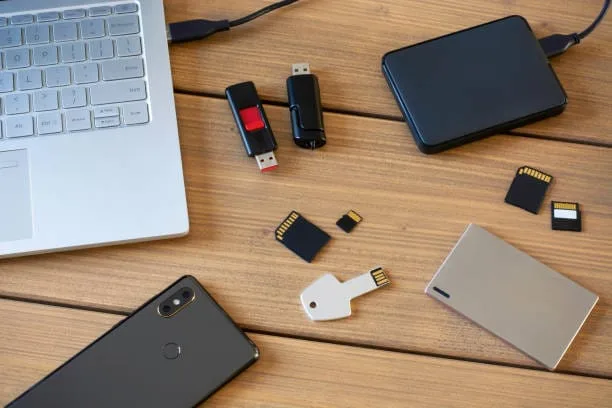
Data Backup Transfer in Adelaide - ErrorFix4U
All DevicesExternal DriveCloudFast Transfer
💿

Data Backup & Transfer

  • All major cloud platforms supported
  • Full data migration included
  • On-site or remote service
  • Best-care data handling practices
  • 90-days Warranty* on all work
📅 Book This Service

What's Included in This Service

Here's exactly what our technicians do when you book a Data Backup & Transfer service with ErrorFix4U.

01

Data Audit

We take stock of everything on your device — documents, photos, videos, emails, and application data — to ensure nothing is missed.

02

Backup Method Selection

We recommend the best backup approach for your situation: external drive, NAS, cloud storage, or a combination for redundancy.

03

Secure Data Transfer

Files are transferred carefully using verified methods, with checksum validation to confirm every file arrives intact and uncorrupted.

04

New Device Setup

If moving to a new computer, we configure the device to mirror your old setup — accounts, settings, browser data, and shortcuts.

05

Cloud Sync Configuration

We set up OneDrive, Google Drive, or iCloud for automatic ongoing backups so your data is always protected going forward.

06

Backup Verification

We confirm all transferred files are accessible and readable on the destination device before declaring the job complete.

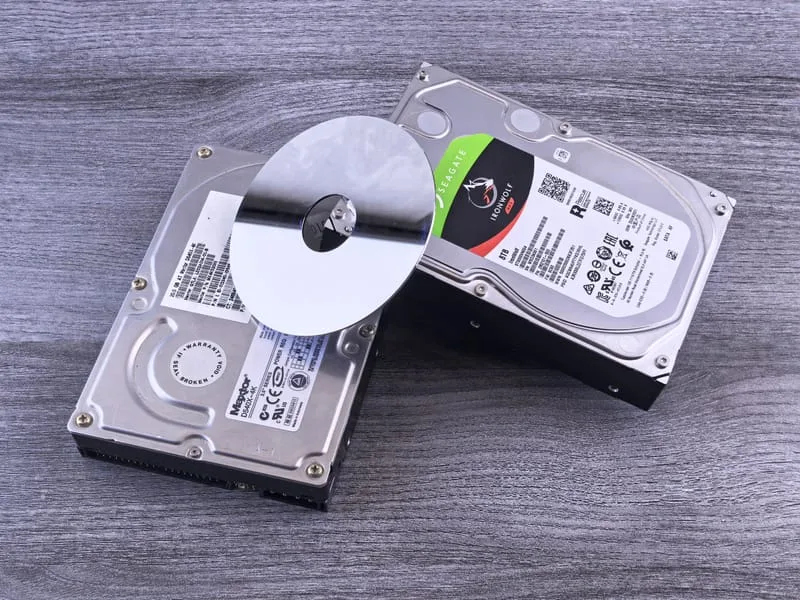
Data Backup Transfer in Adelaide - photo 1
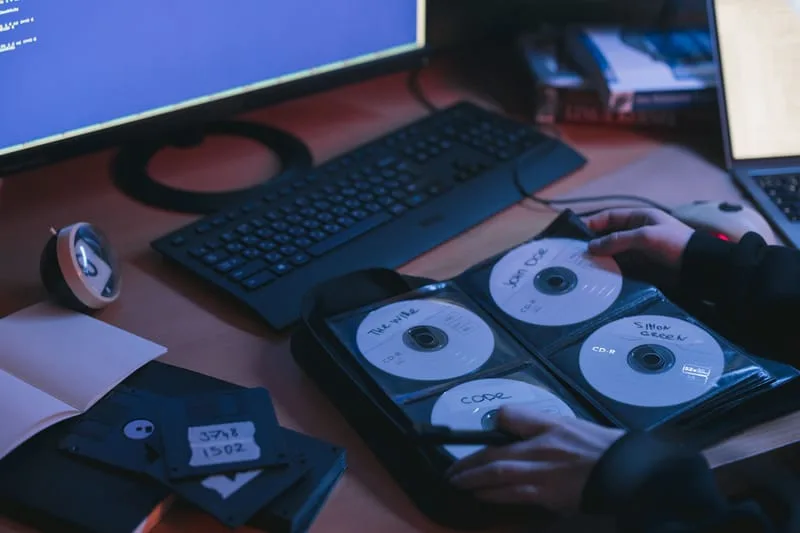
Data Backup Transfer in Adelaide - photo 2
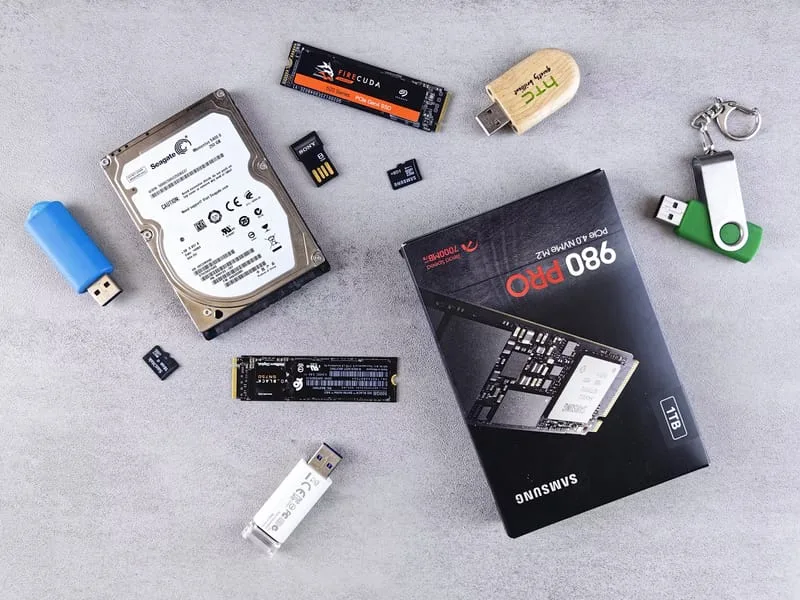
Data Backup Transfer in Adelaide - photo 3
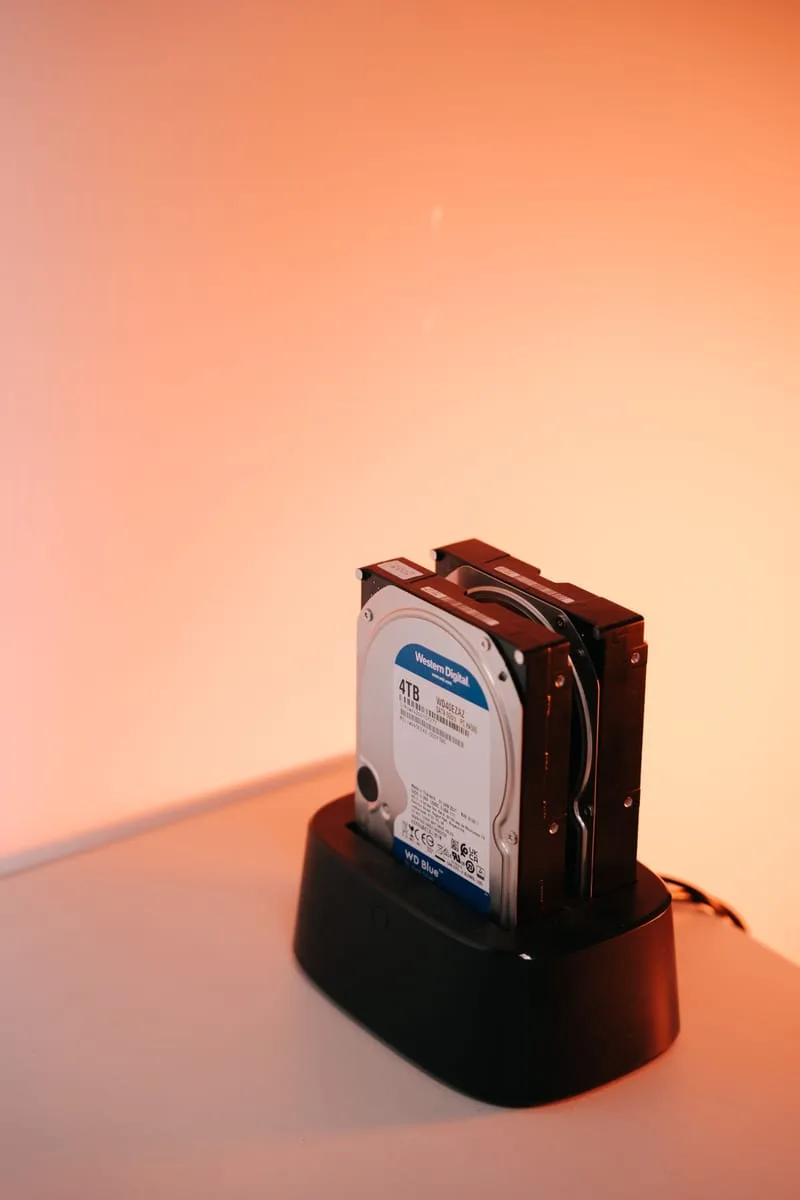
Data Backup Transfer in Adelaide - photo 4
Data Backup Transfer in Adelaide - photo 5
Data Backup Transfer in Adelaide - photo 1
Data Backup Transfer in Adelaide - photo 2
Data Backup Transfer in Adelaide - photo 3
Data Backup Transfer in Adelaide - photo 4
Data Backup Transfer in Adelaide - photo 5

Signs You Need a Data Backup or Transfer

No backup of important files
Buying a new computer
Lost files once before
Business data at risk
Old hard drive making clicking noise
Computer running out of storage
Moving from Windows to Mac or vice versa
Sharing files between devices

Frequently Asked Questions

Everything you need to know about our Data Backup & Transfer service.

What gets backed up?
Everything — documents, photos, emails, contacts, software settings and more.
How long does a transfer take?
Depends on data size — most jobs take 1–3 hours. Large collections may take longer.
Cloud vs external drive — which is better?
We recommend both for maximum safety. Cloud protects from physical damage; an external drive gives fast local access.
Will my new computer look exactly like my old one?
Yes. We transfer your files, settings, and where possible your software so the new device feels familiar immediately.

Ready to Secure Your Data?

Same-day service across Adelaide & South Australia — get a free quote in minutes.

Other Services We Offer

ErrorFix4U covers every computer and laptop need. Explore our full range of services.

Adelaide Suburbs We Cover

We travel to you across Adelaide and South Australia — from the CBD to the hills and coast.

Adelaide CBD Norwood Glenelg Marion Salisbury Modbury Mitcham Morphett Vale Tea Tree Gully Burnside Prospect Mawson Lakes Golden Grove Unley Gawler Mount Barker
See all service suburbs →

YOU MAY ALSO NEED

Related Services in Adelaide

Data Recovery Slow Computer Tune-Up Computer & Laptop Repair Hardware Upgrades